n8n Cron Node: Schedule Workflows to Run Automatically
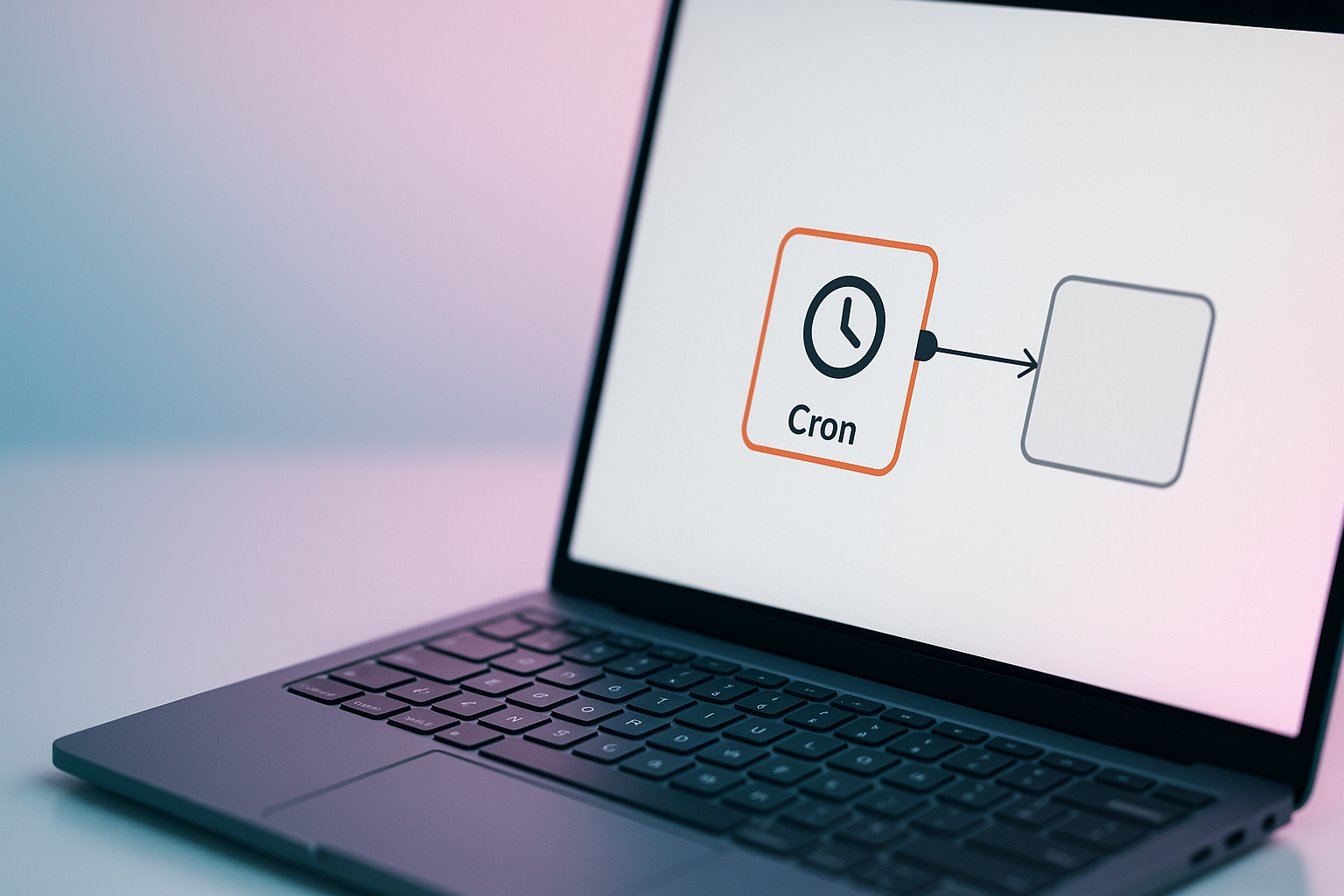
If you want to n8n schedule cron jobs without babysitting them, the Cron node (now called Schedule Trigger in newer versions) is the first thing you touch in n8n. It fires your workflow on a timer, no manual click, no webhook needed. I use it constantly at Esipick for client automations that need to run at 2am or every Monday morning, and it has never once needed me to be awake to trigger it.
How the Schedule Trigger Actually Works
Drop a Schedule Trigger node at the start of your workflow instead of a manual trigger or webhook. You pick an interval: every minute, every hour, daily at a set time, or a custom cron expression. n8n runs on the standard five field cron format: minute, hour, day of month, month, day of week.
Say you want a report generated every weekday at 9am. Instead of a range, I write out the days as a list: 0 9 * * 1,2,3,4,5. That reads as minute 0, hour 9, any day of month, any month, and weekdays Monday through Friday listed individually. It is more explicit than a shorthand range, and I have found explicit cron expressions are easier to debug six months later when you have forgotten what you built.
When to Use Cron vs a Webhook
Cron is for anything time based: nightly syncs, weekly digests, cleanup jobs, invoice reminders. Webhooks are for anything event based: a form submission, a new row in a database, a Slack message. Mixing these up is the most common mistake I see. People build a workflow that should react to an event and instead poll it every five minutes on a schedule, which wastes API calls and adds delay.
- Use Schedule Trigger for reports, backups, reminders, and batch jobs.
- Use a webhook or event trigger for anything that should happen the instant something changes.
- Keep your cron expressions simple and explicit rather than clever.
- Test with a short interval first, then switch to the real schedule once you trust the workflow.
What I Learned Running These at Esipick
Every client automation we ship at Esipick that touches a schedule starts as a manual trigger during build and testing. Only once it runs clean three or four times do I swap it to the Schedule Trigger and let it go live. I did this backwards early on, wiring a client's inventory sync straight to a nightly cron before it was fully tested, and it failed silently overnight because nobody was watching it fire. Now every scheduled workflow at Esipick gets an error notification wired to it too, so a failed run pages someone instead of just vanishing into a log nobody reads.
The Schedule Trigger node looks simple, and it is, but the discipline around it, test first, alert always, is what actually makes an n8n schedule cron setup reliable instead of a ticking time bomb you forget about.
Want this automated for your business?
I build n8n workflows, WhatsApp automations, and AI pipelines — starting from $300. Most go live in under a week.
Get a Free Audit →