n8n Error Handling: Retry Logic and Fallbacks
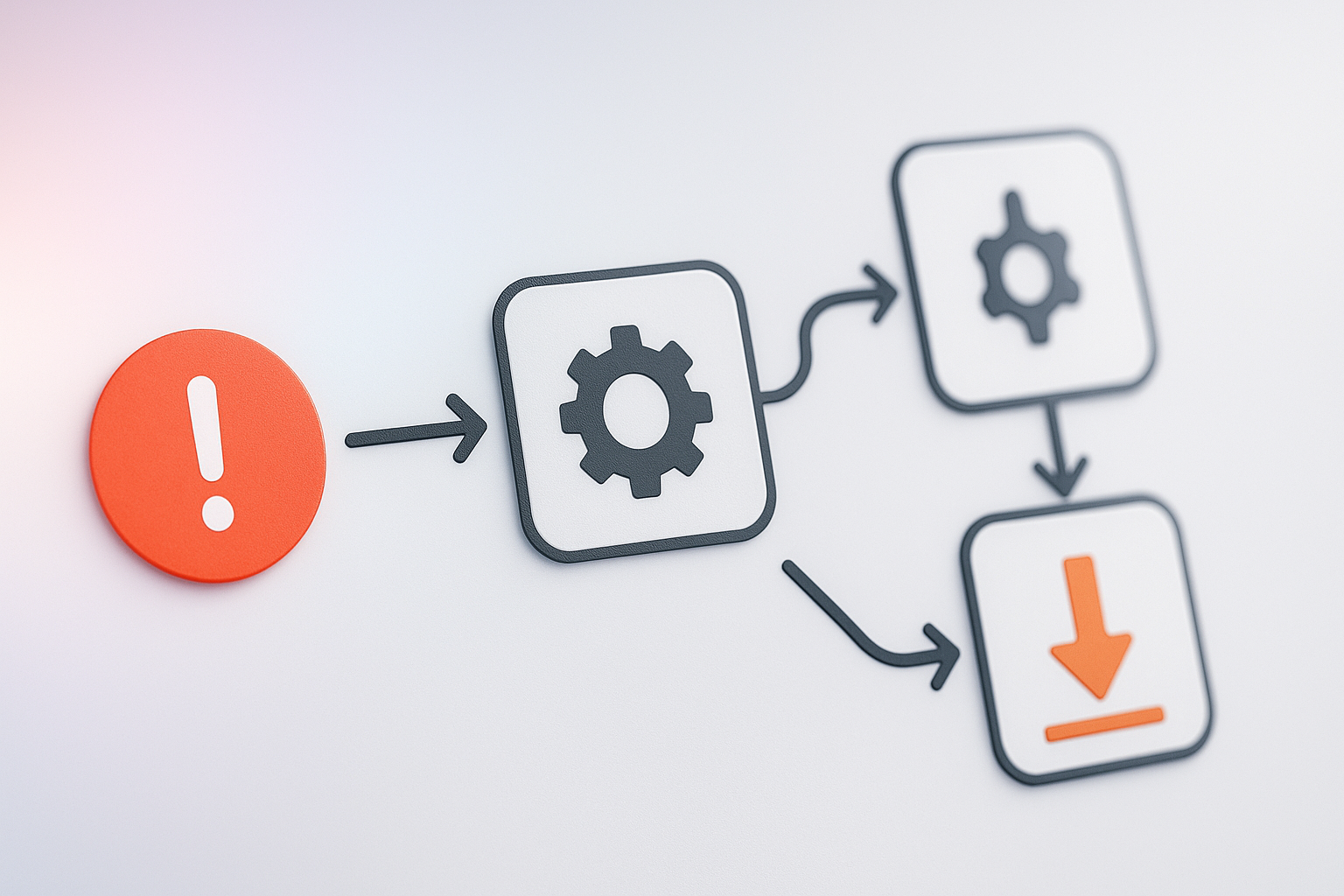
Every workflow breaks eventually. An API you depend on goes down, a rate limit kicks in, a payload shows up malformed. I have shipped enough n8n workflows to know that error handling is not an extra step you bolt on later. It is the difference between a workflow that quietly recovers and one that pages you at 2am while everyone is asleep. After 15 years in automation, I can tell you with confidence: the workflows that run smoothly are not the ones with perfect logic. They are the ones built to survive when things go wrong.
Start With the Retry Option Node by Node
n8n gives you retry settings on individual nodes, and this is where most people should start. Here is exactly how to set it up:
- Open any node that calls an external service (API, HTTP request, Slack, whatever).
- Click the three dots in the top right corner of the node, then click Settings.
- Look for the Retry section. Toggle "Retry on Fail" to enable it.
- Set Max Attempts to 3 (my default).
- Set Wait Between Attempts to 5-10 seconds (do not use zero; that just hammers the service again immediately).
- Save and test.
This handles the most common failure I see: a temporary hiccup from an external service like Slack, Stripe, or an email provider. The service is not actually down, it just had a blip. Maybe they were deploying something. Maybe their database got slow for 30 seconds. A retry with a small wait window lets that service recover and your workflow completes successfully.
My rule: retry two or three times with a short wait, then stop. If it fails after three attempts, retrying a fourth time is not going to help. You have a different problem now. You need a real fallback strategy.
Real example: I had a workflow sending SMS through Twilio. Twilio throttles aggressive retries hard. Setting it to retry once after 10 seconds fixed 90% of the failures. Going crazy with 10 retries just made things worse because Twilio then rate-limited the entire account.
Where n8n Error Handling Actually Gets Real
The Error Trigger workflow is the part people skip and then regret. This is not optional. Here is how to set it up:
- Create a new workflow. Call it something like "Error Handler - Main Workflow".
- Add an Error Trigger node as the starting point.
- Add the logic you want to run when any error occurs (alert me, log it, retry, whatever).
- Go back to your main workflow, click Workflow in the top menu, then Workflow Settings.
- Find Error Workflow and select the error handler workflow you just created.
Now every failure in your main workflow triggers this handler instead of the error just vanishing into logs nobody reads.
Here is what I typically put in an error workflow:
- A Slack or email alert with the workflow name, the node that failed, and the actual error message (not a generic "something went wrong" notice).
- A log entry to a Google Sheet or database so I can spot patterns over time. If the same node fails three times a week, I know I have a real problem to fix.
- For critical workflows, a queue node that stores the failed execution so I can retry it manually or via automation once the root cause is fixed.
Without this, you find out something broke because a client emails you six hours later asking why their order never processed.
Build Fallbacks, Not Just Retries
Retrying assumes the same path will eventually work. Sometimes it will not. That is when you need a fallback path built right into your workflow.
Real scenario: your workflow enriches leads using an external API. The API goes down for two hours. A retry-only strategy means your workflow stops, no leads get processed, and you lose sales. A fallback strategy says: "Try the enrichment API. If it fails, continue the workflow with partial data from your internal database instead of stopping cold."
Here is how to build this:
- Add your primary node (the HTTP request or API call).
- In the node settings, go to Settings and enable "Execute Node on Error". This tells n8n to run the node even if the previous node failed.
- Right-click the node and select Add Error Output.
- Build your fallback branch from that error output. This might be a different API call, a hardcoded value, or logic that uses partial data.
- Both paths then merge back together downstream with data from whichever path succeeded.
Another example: your primary email service is SendGrid. You have a fallback using Mailgun. If SendGrid times out, your workflow automatically tries Mailgun before giving up. That workflow now never stops because of email delivery alone.
Do Not Overdo It
I have seen people wrap every single node in retries and error branches until the workflow is three times bigger than the actual task it performs. Stop. This is a trap.
Focus your error handling on nodes that call external services and nodes where failure actually costs you money or trust. An internal data transformation, a calculation, a conditional branch? These almost never need fallback logic. They either work or they do not, and if they do not, you have a bug to fix, not a temporary failure to handle gracefully.
Common mistakes I see:
- Retrying a malformed payload 10 times. The payload will still be malformed. Fix the data source instead.
- Retrying authentication errors. If a password is wrong, retrying it 100 times will not make it right.
- Adding fallbacks to every single node "just in case". This creates maintenance debt and makes the workflow impossible to debug.
Good error handling is not about preventing every possible failure. It is about making sure that when something does fail, you find out fast and the workflow degrades gracefully instead of just dying silently.
FAQ
How often should I actually check those error logs? Daily if your workflow is critical. I set up a simple n8n workflow that runs every morning and counts errors from the previous 24 hours, then Slacks me a summary. If the count goes up suddenly, I know something changed and needs investigation. You do not need to read every individual error log, but you need to spot trends.
What is the difference between retry and fallback, and when do I use which? Retry is for temporary problems: the service is slow, there is a blip, try again in a few seconds. Fallback is for "the service is down or this approach will not work, do something else instead." Use both. Retry first on the specific node. Fallback when retry is not enough. If an API is down for hours, retrying forever is useless; you need a fallback that uses cached data or a different service entirely.
Can I test error handling without actually breaking something? Yes. In n8n, you can manually trigger an error in a workflow by adding a node that intentionally fails (like an HTTP request to an invalid URL) and then running it. Or use the n8n UI to test your error workflow directly. Do not wait until 2am to find out your error handling does not actually work.
Want this automated for your business?
I build n8n workflows, WhatsApp automations, and AI pipelines — starting from $300. Most go live in under a week.
Get a Free Audit →