n8n Gmail Automation: Auto-Reply, Label, and Forward Emails
My inbox used to run me. Now I run three n8n gmail automation flows that read, sort, and answer email before I even open the app. If you are still manually labeling invoices or typing the same reply to the fifth cold pitch this week, this is the fix, and it takes an afternoon to build, not a quarter.
Why n8n Gmail Automation Beats Native Gmail Filters
Gmail filters can label and archive. They cannot read intent, check a sender against your CRM, or draft a reply based on what the email actually says. n8n sits on top of Gmail and adds logic. It can call an LLM node to read a message, decide what kind of email it is, then branch into different actions. That is the difference between sorting mail and actually handling it.
Three Patterns Worth Building First
Start small. Do not try to automate your whole inbox on day one.
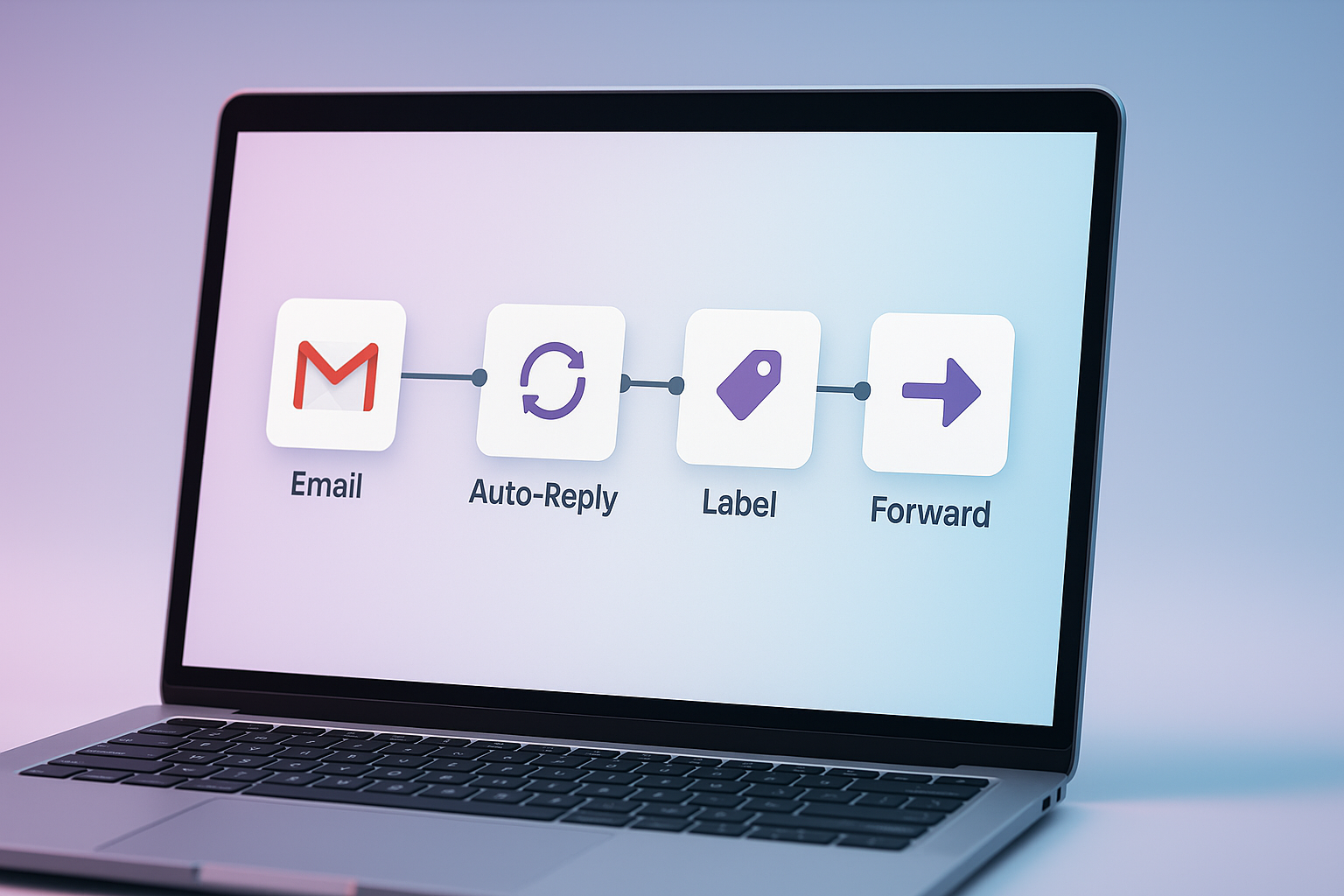
- Auto-reply for common questions. Trigger on new email, filter by keyword or sender domain, generate a draft reply with an AI node, and either send it or save it as a draft for you to approve.
- Smart labeling. Pull the subject and body into a classification node, tag the email as invoice, support, sales, or spam, then apply the Gmail label automatically.
- Conditional forwarding. If an email matches certain criteria, like an invoice over a set amount, forward it straight to your accountant or a shared team inbox, no manual step.
Each of these is one n8n workflow. Trigger node, a decision step, an action. That is the whole shape of it.
Where People Get n8n Gmail Automation Wrong
The biggest mistake is skipping human review on anything that sends mail on your behalf. I always route auto-replies to a draft first for the initial few weeks, then flip to full auto-send once I trust the pattern. The second mistake is over-scoping the trigger. A workflow that fires on every single email will burn through your AI node's quota fast and catch things you never meant to touch. Scope it tight: specific label, specific sender pattern, specific subject line.
What I Learned Running This at Esipick
At Esipick, client inquiries come in through Gmail before they ever hit a CRM. We built an n8n gmail automation flow that labels incoming leads by urgency and drafts a first reply within minutes. It sounds simple, but it changed our response time more than any other single automation we have shipped. The lesson was not really about the AI part. It was about admitting most of my email handling was repetitive enough to hand off, and that took longer to accept than it took to build the workflow.
Getting Started Without Overbuilding It
Pick your worst email chore this week, the one you do without thinking, and automate just that one thing. Do not design a system for every possible email type up front. Ship the narrow version, watch it for a week, then widen the net. That is how every automation we run at Esipick actually got built, one annoying task at a time.
Want this automated for your business?
I build n8n workflows, WhatsApp automations, and AI pipelines — starting from $300. Most go live in under a week.
Get a Free Audit →