n8n If Node: Conditional Logic in Your Workflows
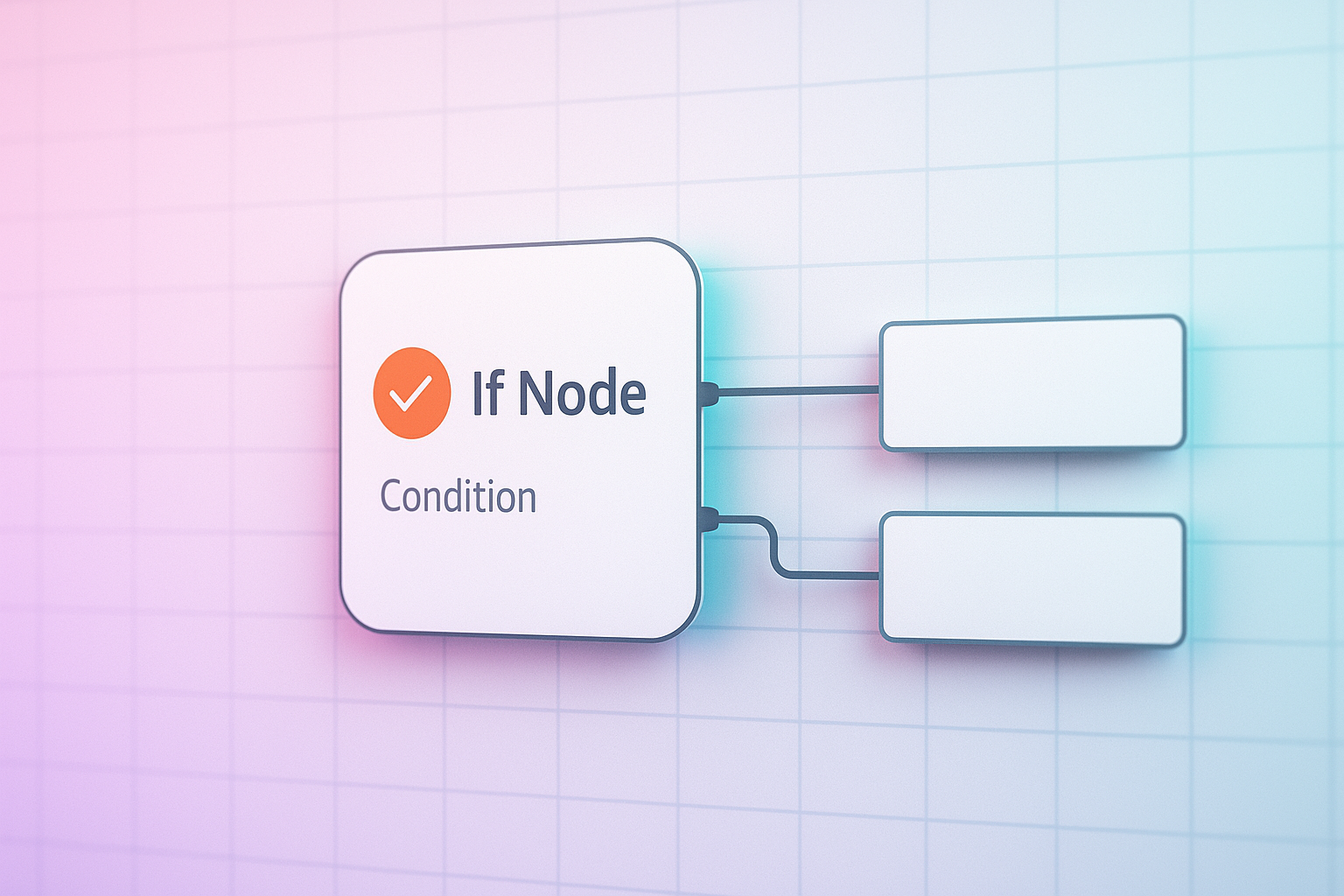
Every workflow I build in n8n eventually needs to make a decision. Send this lead to sales, or route it to a nurture sequence. Flag an order as high risk, or let it through. That decision point is almost always the IF node, and getting n8n if node conditions right is the difference between a workflow that feels smart and one that quietly breaks in production.
What the IF Node Actually Does
The IF node takes your incoming data and splits it into two paths: true and false. You set one or more conditions, n8n checks them against the data on each item, and routes accordingly. Simple in concept. The trouble shows up when you start combining conditions, working with arrays, or comparing types that look the same but aren't.
Getting n8n If Node Conditions Right
A few things I check on every IF node before I trust it:
- Type matching. A string "5" and a number 5 are not the same thing to n8n. If your condition compares a webhook payload field against a number, confirm the incoming value is actually typed as a number, not a string that looks numeric.
- Combine logic. When you stack multiple conditions, decide explicitly whether you need AND or OR. I have seen workflows fail silently because someone assumed AND when the business logic actually called for OR.
- Empty and null values. A field that is missing behaves differently from a field that exists but is empty. Test both cases, not just the happy path.
- Item level evaluation. The IF node evaluates per item when you are processing a list. If you expect it to look at the whole batch, you need an aggregation step first.
Where Teams Get Stuck
Most of the pain I see is not in the node itself, it's in what happens before it. If your data source sends inconsistent formats, dates as strings one day, timestamps the next, your condition will pass in testing and fail two weeks later when a field format shifts upstream. I always add a Set node right before the IF node to normalize types, so the condition is checking clean, predictable data instead of guessing.
How Esipick Uses This
We run n8n internally for client intake and lead routing, and the IF node sits at almost every fork in those flows. Early on we lost a batch of qualified leads because a condition checked a score field that arrived as a string from one form and a number from another. The workflow ran without errors, it just silently sent good leads down the wrong branch. Now every automation we ship for clients gets a normalization step before any conditional logic, and we test each branch with real edge case data, not just the clean sample record. That one habit has saved more client automations than any clever node configuration.
A Simpler Mental Model
Treat the IF node like a gate, not a filter. It doesn't clean your data, it just asks a question about whatever you hand it. The quality of that answer depends entirely on what you feed in. Get the data clean and typed correctly first, keep your conditions specific, and the IF node will do exactly what you expect, every time.
Want this automated for your business?
I build n8n workflows, WhatsApp automations, and AI pipelines — starting from $300. Most go live in under a week.
Get a Free Audit →